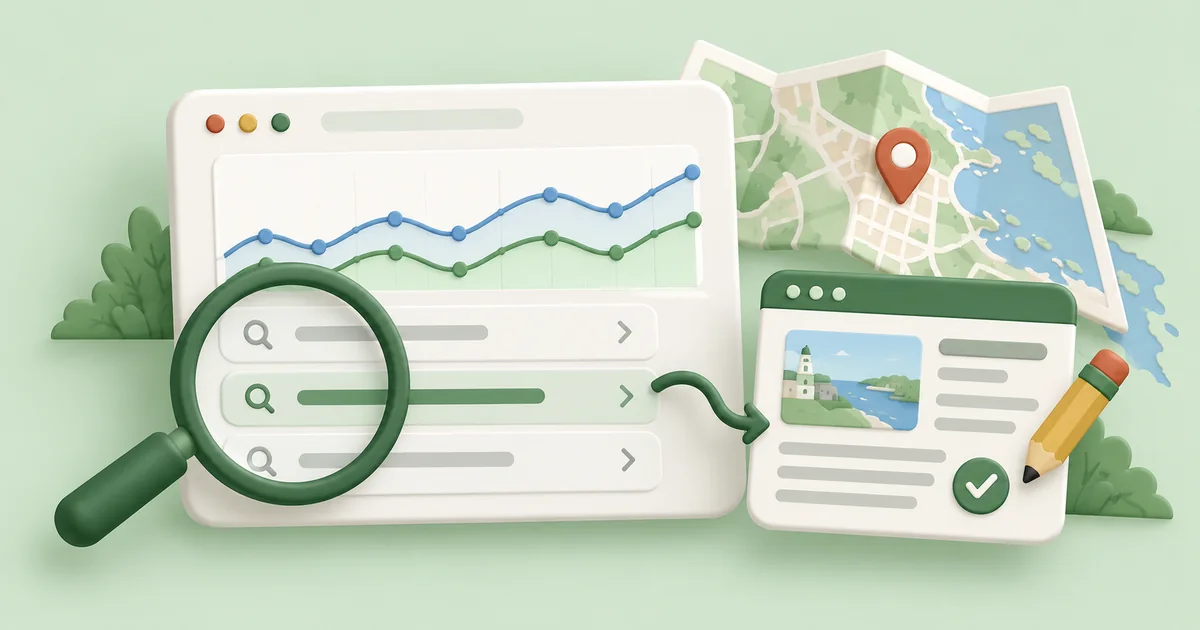
Google Search Console helps you see which searches bring up your website, which pages earn clicks, and where a useful improvement might be waiting. For a Halifax business, the goal is to turn that information into a short, practical action list: improve a relevant service page, answer a missing customer question, or investigate a page Google cannot index.
You do not need to become a reporting expert. Start with one important page and one question: what would make this page more useful to the people already finding it? That connects the numbers to the purpose of Halifax SEO: helping suitable customers discover your business.
This guide walks through that process, including a fictional clinic example and a monthly routine you can repeat.
What Search Console Can Tell You
Search Console reports on your website’s presence in Google Search. It helps you investigate discovery, indexing and search performance. It does not automatically fix your website or tell you which visitor became a customer.
Keep three sources of information separate:
- Search Console: searches and pages associated with Google Search visibility and clicks.
- Website analytics and lead records: what visitors do on your site, including enquiries or bookings when those actions are properly measured.
- Google Business Profile performance: interactions with your business listing, such as website clicks, direction requests and call-button clicks. A call-button click is not proof of a completed call or a new customer.
Google explains those listing measurements in its Business Profile performance guide. Our Halifax Google Business Profile guide covers the work behind the listing itself.
1. Get Access to the Right Website Property
Open Google Search Console with the Google account you use for the business. If your developer or agency already manages a property, ask for access before creating another one.
A Domain property includes protocol and subdomain variations, such as HTTP, HTTPS and www. It requires DNS verification. A URL-prefix property covers the particular prefix you enter, so check that it matches the website version you want to analyse. Follow Google’s ownership verification instructions for the methods available to you.
New properties may take a few days to show data. A small or new website may also need a longer observation period before there is enough information to make useful comparisons.
If an important service page seems absent, enter its full address into the URL Inspection bar. Review the indexing status and the reason given for any exclusion. Some exclusions, such as an intentional duplicate, are appropriate; an important service page accidentally marked noindex needs attention. A successful live test or indexing request does not guarantee inclusion or a particular ranking. See Google’s URL Inspection documentation.
2. Understand Four Numbers Before Changing Anything
Open Performance → Search results. Menu labels can change, but look for the report showing your website’s organic search clicks and impressions.
| Metric | What it means | What to ask |
|---|---|---|
| Clicks | Clicks from Google Search to your site. | Are useful pages attracting visits? |
| Impressions | Appearances counted under Google’s search-result visibility rules. | Are we appearing for relevant searches? |
| CTR | Clicks divided by impressions. | Are people choosing this result? |
| Average position | An average based on your topmost result for the reported searches. | What does the trend suggest? |
For example, 12 clicks from 600 impressions equals 2% CTR. That arithmetic does not tell you whether the result is good for your particular search.
Average position is especially easy to misread. A figure of 9 does not mean every Halifax customer sees you in ninth place. Results vary, and an average across many queries can hide very different page-level patterns. Google’s metric definitions explain the counting rules.
3. Find Searches That Matter to Your Business
Use the Queries tab to explore the terms associated with your site’s appearances. Then connect them to the pages Google is showing:
- Start with Web search and a period with enough activity, such as the last three months.
- Turn on clicks, impressions, CTR and average position.
- Review queries for the services you actually offer.
- Click an interesting query to filter the report.
- Open the Pages tab to see the URL or URLs associated with it.
Ask whether the landing page answers the searcher’s question. A service enquiry leading to a general blog post may reveal a mismatch; an appropriate service page with incomplete information may need a focused update.
For local research, a Canada country filter can narrow the context. Queries containing Halifax, Dartmouth or Bedford can reveal explicit place names. However, Search Console’s standard report has no city filter. These approaches do not capture all searches made by Halifax residents: someone searching “physiotherapy near me” may never type Halifax. Google’s report dimensions guide describes the available breakdowns.
Separate searches for your business name from broader service searches when reviewing discovery. Existing customers looking for your phone number represent a different opportunity from someone choosing a clinic for the first time. Our Halifax keyword research guide explains how to judge that intent.
The query table is also incomplete. Google omits anonymised queries and applies reporting limits, so visible rows may not add up to the chart total. Use patterns rather than treating the table as a complete record of customer demand. Source: Google’s explanation of reporting discrepancies.
4. Investigate Relevant Pages With Impressions but Few Clicks
In the Pages tab, choose an important service page, then return to Queries. Look for relevant searches with repeated impressions and limited clicks. This gives you something specific to investigate; it does not prove that the title is the problem.
Review the page and the search results together:
- Does the title accurately describe the service and location?
- Does the page answer the need behind the query?
- Is the result competing with maps, directories or other prominent features?
- Is the page appearing too far down the results to attract many clicks?
- Are you comparing mobile with mobile, and similar queries with similar queries?
A clearer title or description may help, but Google can generate different title links and snippets. Avoid promising a CTR increase from a particular wording change. Google’s performance-report walkthrough recommends examining relevant searches with high impressions and low CTR, then reviewing how the page answers them.
There is no universal “good CTR” to chase. A query with two impressions and no clicks is usually too little evidence for a major rewrite.
5. Choose an Improvement or a New Article
Use the searcher’s intent to decide where the information belongs.
Improve an existing page when it already serves the same need. A physiotherapy service page missing practical details about appointment preparation might need a helpful section, rather than another competing service page.
Create a separate article when there is a distinct question that deserves a fuller answer. Link it to the relevant service page so readers can move from learning to taking the next step. Search Console can suggest a topic, but customer conversations and wider research still matter, especially on sites with little traffic.
Investigate technical problems when an important page is not indexable or is difficult to use. Adding more copy will not remove an accidental noindex setting. Likewise, Search Console search-performance data alone cannot tell you that oversized images caused a decline. Use an appropriate performance test before choosing a fix; our image optimisation and Core Web Vitals guide explains that workflow.
For the wider order of work, use our Halifax SEO checklist. The aim is to select a useful next action, rather than change every page with a disappointing number.
A Fictional Halifax Clinic Example
The following figures are invented to demonstrate the method. They are not client results, local search-volume estimates or a prediction.
Imagine a Halifax physiotherapy clinic reviewing its service page over three months. For the query “physiotherapy Halifax,” the filtered report shows 600 impressions, 12 clicks, 2% CTR and an average position of 9.4.
The owner checks the page and finds a vague title, an unclear location and no explanation of how to book. Those observations suggest a practical update:
- Give the page a title that accurately identifies the service and Halifax location.
- Explain the clinic’s actual appointment process, location and booking options.
- Add relevant answers customers regularly ask, checked by the clinic’s qualified team.
- Make the booking link easy to find on a phone.
A separate query about what to bring to a first appointment might belong in that page’s FAQ. A detailed question about preparing for an initial visit could justify a fuller article if it adds useful information. Neither requires a new page for every wording variation.
Record the update date and compare later periods under the same filters. Judge the result alongside genuine enquiries and bookings. More clicks without suitable patients booking would call for another look at the page and the customer journey. Our SEO guide for Halifax physiotherapy clinics connects those steps to local search and clinic content.
A Simple Monthly Search Console Routine
Keep a short log with five fields: page, observation, planned action, date changed and outcome.
At each review:
- Check alerts and important URLs. Investigate relevant indexing problems; do not try to make every excluded URL indexable.
- Compare similar periods. Use complete reporting periods and the same search type, page, country and device filters. Consider seasonality and year-over-year comparisons where you have enough history.
- Review priority pages. Check a few services that matter commercially, rather than only the site-wide average.
- Choose a manageable improvement. Record what evidence supports it, make the change and note the date.
- Connect visits to business outcomes. Review appropriately configured analytics and your enquiry or booking records alongside search data.
Google recommends checking Search Console periodically and after important content changes; daily dashboard watching is unnecessary for many owners. Its getting-started guide is a useful reference.
Give changes time to be crawled and enough impressions to be evaluated. A movement after an edit is not proof that the edit caused it: demand, competitors and changes in search results also matter. Google’s guidance on measuring page changes explains that uncertainty. Our Halifax SEO timeline guide provides broader context for reviewing progress.
Turn the Report Into One Useful Next Step
Start with one commercially relevant page, inspect the searches behind it, and decide what would make it more helpful. A clear observation and a thoughtful improvement are more useful than a spreadsheet full of rankings you never act on.
If you would like help prioritising the work, request a free Halifax SEO audit. We can help connect the reporting questions to your site’s technical health, content and local search opportunities.